


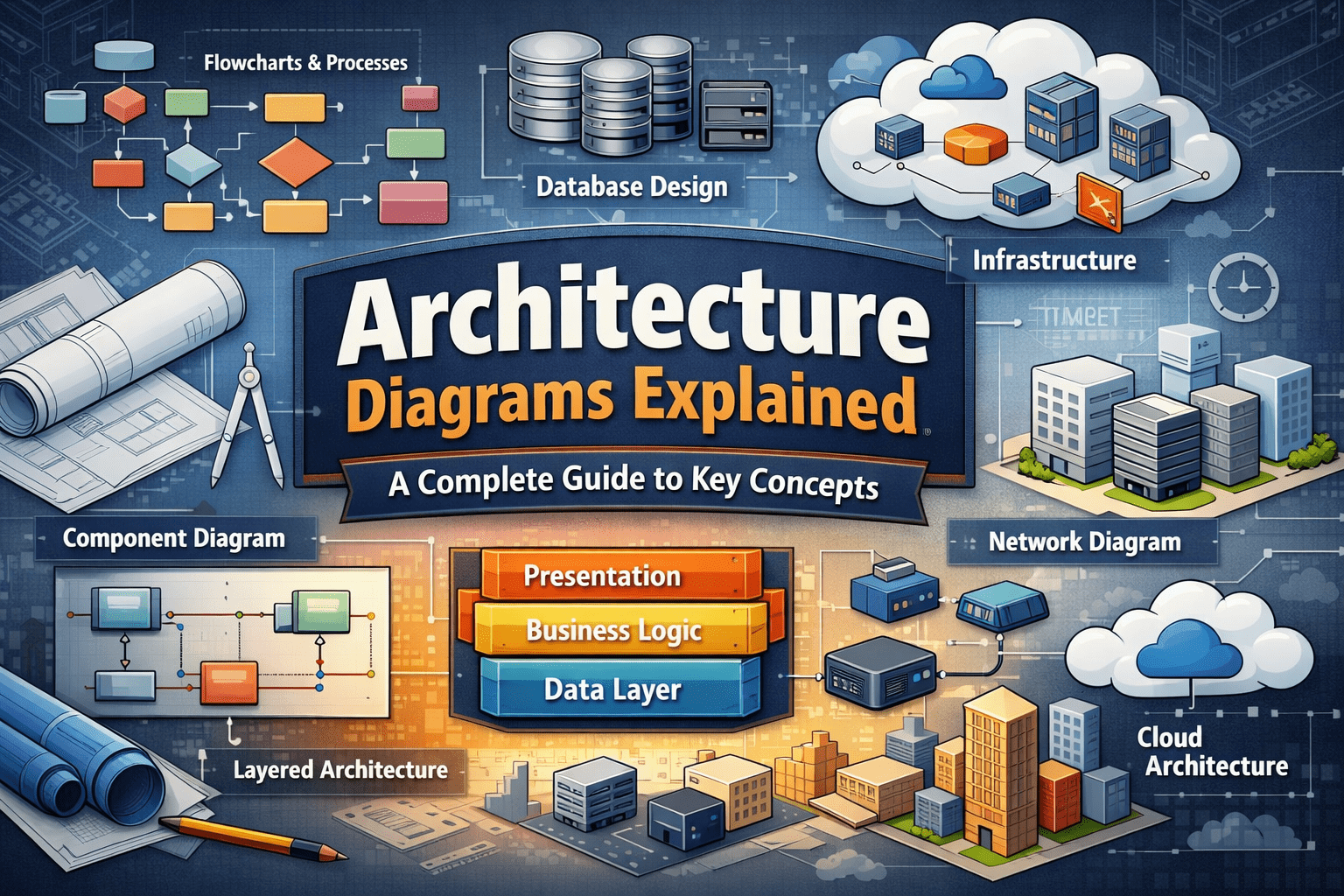
In complex technology environments, understanding how systems are structured is critical for effective planning, development, and maintenance. Architecture diagrams provide a visual representation of systems, showing how components interact, how data flows, and how infrastructure is organized. These diagrams are widely used in software engineering, enterprise IT, cloud computing, and system design.
This professional guide explains architecture diagrams in detail, covering key terminology, common types, and best practices to help organizations design, communicate, and manage systems more effectively.
What Are Architecture Diagrams?
Architecture diagrams are visual models that illustrate the structure, components, and relationships within a system. They serve as a blueprint for understanding how different parts of a system fit together and how they function as a whole.
An architecture diagram typically includes:
- System components
- Data flows
- Integration points
- Infrastructure elements
- External dependencies
These diagrams provide a shared understanding for developers, engineers, business stakeholders, and decision-makers.
Why Architecture Diagrams Are Important?
Architecture diagrams play a critical role in system design and documentation. They simplify complex systems and make abstract technical concepts easier to understand.
Key benefits include:
- Improved communication between technical and non-technical teams
- Faster system onboarding and training
- Better decision-making during system planning
- Reduced design errors and rework
- Clear documentation for audits and compliance
In large organizations, architecture diagrams often become part of official system documentation and governance frameworks.
Core Terminology in Architecture Diagrams
Understanding common terminology is essential for reading and creating architecture diagrams effectively.
Component
A component is a functional unit within a system, such as an application, service, database, or hardware device.
Layer
A layer represents a logical grouping of components based on function, such as presentation layer, application layer, and data layer.
Interface
An interface defines how components communicate with each other, often through APIs or messaging systems.
Data Flow
Data flow shows how information moves between components within the system.
Dependency
A dependency indicates that one component relies on another to function properly.
Common Types of Architecture Diagrams
1. System Architecture Diagram
A system architecture diagram provides a high-level view of the entire system, showing major components and how they interact.
It is commonly used for:
- Stakeholder communication
- System overview documentation
- Initial design planning
2. Application Architecture Diagram
An application architecture diagram focuses on the internal structure of a specific application, including modules, services, and data storage.
This diagram helps developers understand:
- Code structure
- Service interactions
- Deployment models
3. Network Architecture Diagram
A network architecture diagram illustrates how servers, routers, firewalls, and devices are connected within a network.
It is essential for:
- Network design
- Security planning
- Performance optimization
4. Cloud Architecture Diagram
A cloud architecture diagram represents cloud-based systems, showing services, regions, availability zones, and integrations.
It supports:
- Cloud migration projects
- Cost optimization
- Scalability planning
5. Data Architecture Diagram
A data architecture diagram explains how data is collected, stored, processed, and distributed across systems.
It typically includes:
- Databases
- Data warehouses
- ETL processes
- Analytics platforms
Architecture Diagram Concepts and Models
Monolithic Architecture
A monolithic architecture is a single, unified system where all components are tightly integrated.
Advantages:
- Simple design
- Easier deployment
Disadvantages:
- Limited scalability
- Difficult maintenance
Microservices Architecture
Microservices architecture divides systems into independent services that communicate through APIs.
Advantages:
- High scalability
- Easier updates
- Fault isolation
Layered Architecture
Layered architecture separates system functions into layers, such as presentation, business logic, and data access.
This model improves maintainability and modularity.
Event-Driven Architecture
Event-driven architecture uses events to trigger system actions, commonly used in real-time systems.
It supports:
- High responsiveness
- Loose coupling
- Real-time processing
Best Practices for Creating Architecture Diagrams
To ensure clarity and effectiveness, architecture diagrams should follow proven best practices.
Keep Diagrams Simple
Avoid unnecessary complexity. Focus on key components and relationships.
Use Standard Notation
Common standards include:
- UML (Unified Modeling Language)
- C4 Model
- BPMN (Business Process Model and Notation)
Use Clear Labels
Every component and connection should be clearly labeled to avoid ambiguity.
Maintain Version Control
As systems evolve, diagrams must be updated to reflect current architecture.
Align with Documentation
Architecture diagrams should match technical and system documentation.
Tools for Creating Architecture Diagrams
Several professional tools are used to create and manage architecture diagrams.
Popular tools include:
- Microsoft Visio
- Lucidchart
- Draw.io
- Miro
- Creately
Cloud providers also offer native diagram tools for AWS, Azure, and Google Cloud architectures.
Role of Architecture Diagrams in System Lifecycle
Architecture diagrams support every stage of the system lifecycle.
During planning:
- Define system scope
- Identify risks
During development:
- Guide implementation
- Support design reviews
During operations:
- Assist troubleshooting
- Improve maintenance
During audits:
- Demonstrate compliance
- Support governance
Why Architecture Diagrams Are Strategic Assets?
Architecture diagrams are not just technical artifacts. They are strategic assets that enable better decision-making, reduce operational risk, and improve collaboration.
Organizations that invest in high-quality architecture diagrams benefit from:
- Faster project delivery
- Improved system reliability
- Reduced dependency on individuals
- Better long-term scalability
Conclusion
Understanding architecture diagrams explained is essential for professionals working in IT, software development, and system design. These diagrams provide a visual language for representing complex systems, enabling teams to communicate effectively, plan strategically, and operate efficiently.
By mastering architecture diagram terminology and concepts, organizations can build more resilient, scalable, and well-documented systems. In today’s digital environment, architecture diagrams are not optional—they are fundamental tools for professional system engineering and enterprise success.