


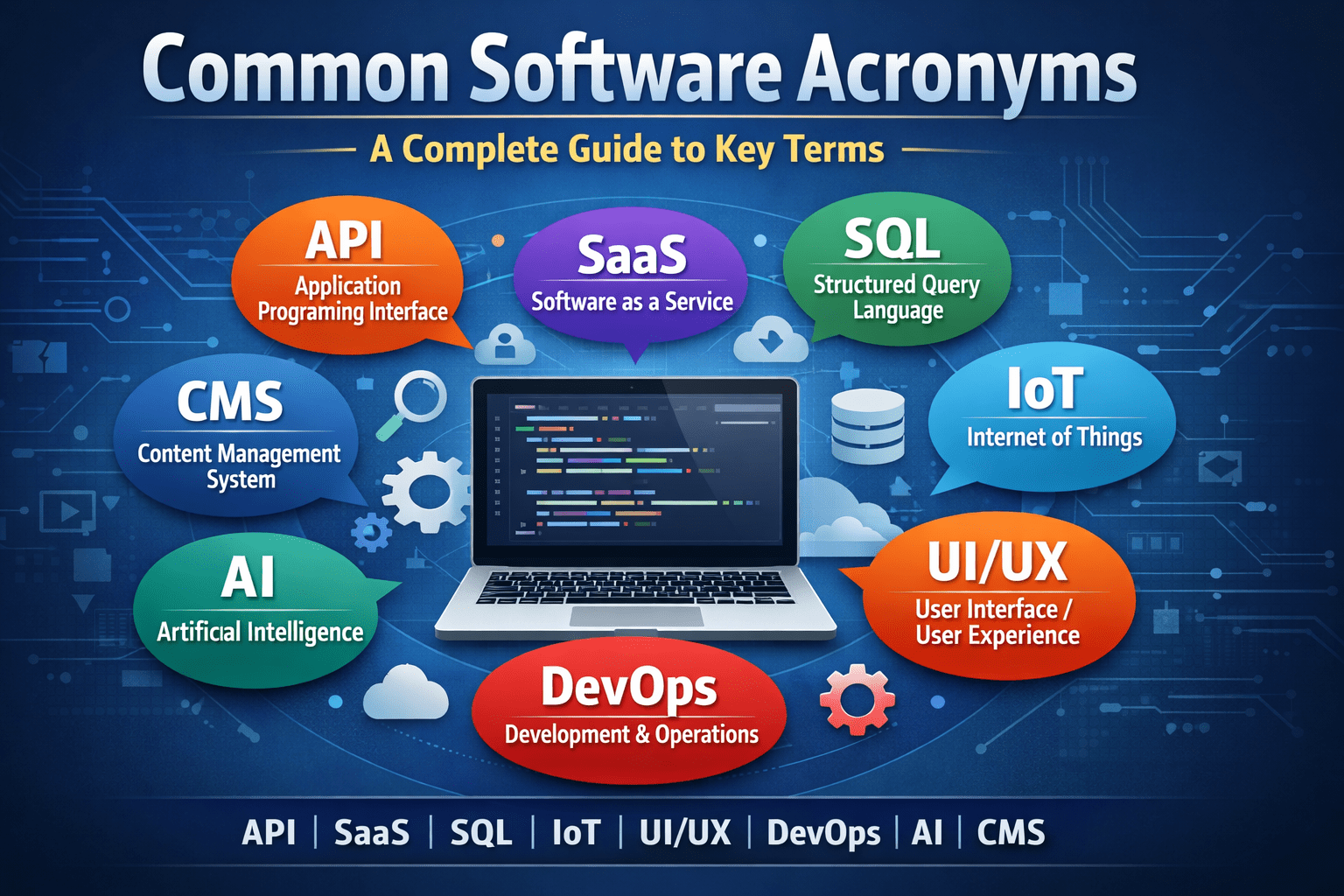
In the modern digital workplace, software development and IT operations rely heavily on abbreviations and technical shorthand. These abbreviations, commonly referred to as software acronyms, simplify communication among professionals but can be confusing for beginners or non-technical stakeholders. Understanding common software acronyms is essential for anyone working in technology, business, or digital transformation.
This expert guide provides a comprehensive overview of the most widely used software acronyms, explaining their meanings, relevance, and practical applications across industries.
Why Software Acronyms Matter?
Software acronyms are used to standardize communication and reduce complexity in technical documentation, project discussions, and system design. Without a shared understanding of these acronyms, collaboration becomes inefficient and prone to misinterpretation.
Key benefits of understanding software acronyms include:
- Improved communication between technical and business teams
- Faster learning for new developers and IT staff
- More effective system documentation
- Better decision-making during software projects
A well-structured glossary of common software acronyms serves as a foundational reference for both beginners and experienced professionals.
Core Software Acronyms and Definitions
1. API – Application Programming Interface
An API (Application Programming Interface) allows different software applications to communicate and exchange data. APIs define the methods and rules that systems use to interact with each other.
APIs are essential for:
- Integrating third-party services
- Building mobile and web applications
- Enabling microservices architectures
2. UI – User Interface
The UI (User Interface) refers to the visual components that users interact with in a software application, including buttons, menus, forms, and dashboards.
Good UI design improves:
- User satisfaction
- Task efficiency
- Product usability
3. UX – User Experience
UX (User Experience) focuses on the overall experience a user has while interacting with a system. It includes usability, accessibility, performance, and emotional response.
UX differs from UI in that it emphasizes the experience, not just the appearance.
4. IDE – Integrated Development Environment
An IDE (Integrated Development Environment) is a software tool that provides developers with a complete environment for coding, debugging, and testing.
Popular IDEs include:
- Visual Studio Code
- IntelliJ IDEA
- Eclipse
5. SDLC – Software Development Life Cycle
The SDLC (Software Development Life Cycle) is a structured framework for planning, building, testing, and maintaining software systems.
Typical SDLC phases:
- Requirements analysis
- System design
- Development
- Testing
- Deployment
- Maintenance
System and Infrastructure Acronyms
6. OS – Operating System
An OS (Operating System) manages hardware resources and provides core services for applications. Examples include Windows, Linux, macOS, Android, and iOS.
7. DBMS – Database Management System
A DBMS (Database Management System) stores, retrieves, and manages data efficiently.
Common DBMS platforms:
- MySQL
- PostgreSQL
- Oracle
- SQL Server
8. SaaS – Software as a Service
SaaS (Software as a Service) refers to cloud-based software accessed via the internet without local installation.
Examples:
- Google Workspace
- Salesforce
- Dropbox
9. PaaS – Platform as a Service
PaaS (Platform as a Service) provides development platforms for building and deploying applications without managing infrastructure.
10. IaaS – Infrastructure as a Service
IaaS (Infrastructure as a Service) offers virtualized computing resources such as servers, storage, and networking.
Development and Engineering Acronyms
11. CI/CD – Continuous Integration / Continuous Deployment
CI/CD automates software testing and deployment, ensuring faster delivery and higher quality.
12. OOP – Object-Oriented Programming
OOP (Object-Oriented Programming) is a programming paradigm based on objects and classes.
Core OOP principles:
- Encapsulation
- Inheritance
- Polymorphism
- Abstraction
13. MVC – Model View Controller
MVC is a software design pattern that separates data, logic, and presentation.
14. CRUD – Create Read Update Delete
CRUD represents the four basic operations of persistent storage systems.
15. SDK – Software Development Kit
An SDK (Software Development Kit) is a collection of tools and libraries for building applications.
ecurity and Performance Acronyms
16. SSL – Secure Sockets Layer
SSL encrypts data transmitted between systems.
17. TLS – Transport Layer Security
TLS is the modern successor to SSL.
18. VPN – Virtual Private Network
A VPN encrypts internet traffic and protects user privacy.
19. DDoS – Distributed Denial of Service
A DDoS attack floods a system with traffic to disrupt services.
20. SLA – Service Level Agreement
An SLA defines performance standards between providers and customers.
Project and Business Acronyms
21. ERP – Enterprise Resource Planning
ERP systems manage business operations such as finance, HR, and inventory.
22. CRM – Customer Relationship Management
CRM platforms manage customer data and interactions.
23. KPI – Key Performance Indicator
KPI measures business or system performance.
24. ROI – Return on Investment
ROI evaluates the financial benefit of technology projects.
25. MVP – Minimum Viable Product
An MVP is the simplest version of a product used for testing market demand.
Why Learning Software Acronyms Is Essential?
Software acronyms appear in:
- Technical documentation
- System architecture diagrams
- Vendor proposals
- Job descriptions
- Training materials
Without understanding these terms, professionals may struggle to communicate effectively or assess technology solutions accurately.
For business leaders, learning common software acronyms reduces dependency on technical teams and enables informed strategic planning.
Best Practices for Using Software Acronyms
To avoid confusion and miscommunication:
- Always define acronyms on first use
- Avoid excessive jargon in non-technical content
- Maintain an internal software glossary
- Update documentation regularly
A standardized glossary of common software acronyms ensures clarity across teams and departments.
Conclusion
Understanding common software acronyms is a critical skill in today’s technology-driven world. From APIs and SDLC to SaaS and CI/CD, these acronyms represent the foundational concepts that power modern digital systems.
By mastering this terminology, professionals can improve communication, accelerate learning, and participate more effectively in software projects. A strong knowledge of software acronyms is not just helpful—it is essential for long-term success in the digital economy.