


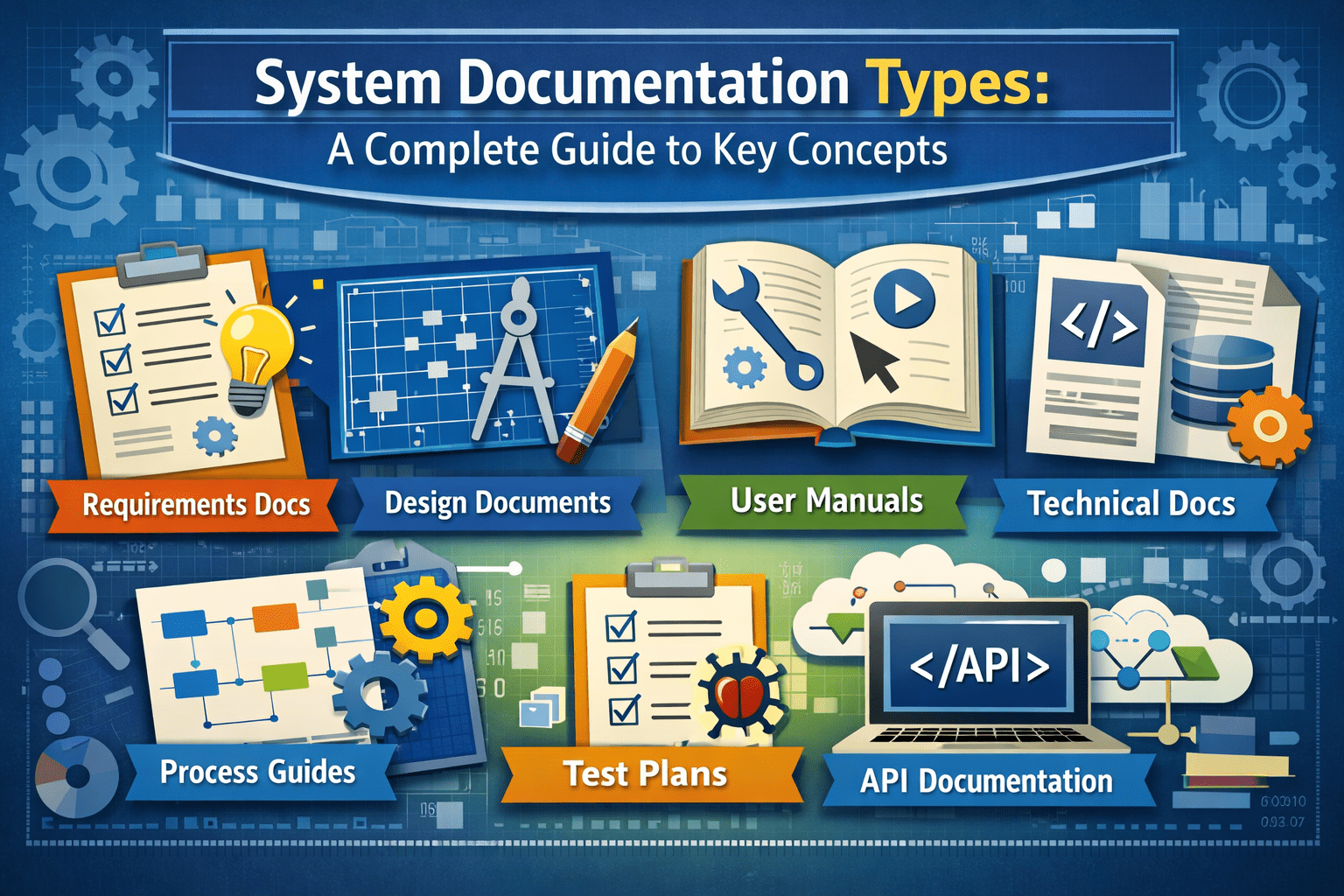
In modern organizations, technology systems are only as effective as the documentation that supports them. System documentation plays a critical role in ensuring that software, hardware, and IT infrastructure are properly designed, implemented, maintained, and understood by all stakeholders. Without accurate and well-structured documentation, systems become difficult to manage, troubleshoot, and scale.
This expert guide explores the most important system documentation types, explaining their purpose, structure, and value across the system lifecycle.
What Is System Documentation?
System documentation refers to the collection of written materials that describe how a system is designed, built, operated, and maintained. It provides essential knowledge for developers, administrators, users, and business decision-makers.
System documentation typically covers:
- System architecture and design
- Functional and technical specifications
- Installation and configuration
- Operating procedures
- Maintenance and troubleshooting
Effective documentation improves system reliability, reduces operational risk, and ensures long-term sustainability.
Why System Documentation Is Important?
System documentation supports every phase of a system’s life cycle—from planning and development to deployment and retirement. It serves as a single source of truth that prevents knowledge loss and ensures consistency across teams.
Key benefits include:
- Improved communication between technical and non-technical teams
- Faster onboarding for new staff
- Reduced system downtime
- Easier troubleshooting and maintenance
- Compliance with regulatory and audit requirements
In regulated industries such as healthcare, finance, and manufacturing, system documentation is not just best practice—it is often mandatory.
Core System Documentation Types
1. System Architecture Documentation
System architecture documentation describes the overall structure of a system, including its components, relationships, and data flows.
This documentation typically includes:
- High-level diagrams
- Infrastructure layouts
- Network topology
- Integration points
Its primary purpose is to provide a conceptual overview that helps stakeholders understand how different parts of the system interact.
2. Functional Documentation
Functional documentation explains what the system does from a business or user perspective. It focuses on system behavior, workflows, and business rules rather than technical implementation.
Common elements include:
- Use cases
- User stories
- Process flows
- Functional requirements
This documentation ensures that the system aligns with business objectives and user needs.
3. Technical Documentation
Technical documentation provides detailed information about how the system is built and how it operates at a technical level.
It may include:
- Code structure and logic
- APIs and interfaces
- Database schemas
- Configuration settings
Technical documentation is primarily used by developers, system administrators, and IT engineers.
4. User Documentation
User documentation is designed for end users who interact with the system. It explains how to perform tasks, use features, and navigate the interface.
Examples include:
- User manuals
- Quick-start guides
- Tutorials
- Help desk articles
Clear user documentation improves adoption and reduces support requests.
5. Installation and Deployment Documentation
This type of documentation outlines how to install, configure, and deploy the system in different environments.
It usually covers:
- Hardware and software prerequisites
- Installation steps
- Environment setup
- Deployment procedures
This documentation ensures that systems are implemented consistently across development, testing, and production environments.
Operational and Maintenance Documentation
6. Operations Documentation
Operations documentation focuses on day-to-day system management.
Typical content includes:
- System startup and shutdown procedures
- Monitoring and performance guidelines
- Backup and recovery processes
- Security controls
This documentation is essential for IT operations teams responsible for system stability.
7. Maintenance Documentation
Maintenance documentation supports long-term system sustainability.
It includes:
- Update and patch procedures
- Change logs
- Known issues and fixes
- Version history
Maintenance documentation helps prevent system degradation and ensures smooth upgrades.
8. Troubleshooting and Support Documentation
This documentation provides solutions to common system problems and known errors.
It often contains:
- Error codes and explanations
- Diagnostic procedures
- Recovery steps
- Escalation processes
Troubleshooting documentation significantly reduces downtime and improves incident response.
Specialized System Documentation Types
9. Security Documentation
Security documentation defines how a system protects data and prevents unauthorized access.
It may include:
- Access control policies
- Authentication mechanisms
- Encryption standards
- Incident response plans
Security documentation is critical for compliance with data protection regulations and cybersecurity standards.
10. Compliance and Audit Documentation
This type of documentation demonstrates that a system meets legal, regulatory, and organizational standards.
It typically includes:
- Compliance reports
- Risk assessments
- Audit trails
- Control procedures
Industries such as finance, healthcare, and government rely heavily on this documentation for accountability and transparency.
Best Practices for System Documentation
To maximize effectiveness, system documentation should follow these best practices:
Use Standardized Formats
Consistency improves readability and usability. Templates and structured formats help maintain quality across documents.
Keep Documentation Updated
Outdated documentation is often worse than no documentation. Regular reviews and updates are essential.
Write for the Intended Audience
Different users require different levels of technical detail. Tailor content for developers, administrators, or end users accordingly.
Use Visual Aids
Diagrams, charts, and flowcharts improve understanding and reduce complexity.
Centralize Documentation
Storing documentation in a centralized repository ensures easy access and version control.
Tools for Managing System Documentation
Many organizations use specialized tools to manage and maintain documentation efficiently.
Popular documentation tools include:
- Confluence
- Notion
- SharePoint
- Git-based documentation systems
- Knowledge management platforms
These tools support collaboration, version tracking, and content organization.
Why System Documentation Is a Strategic Asset?
System documentation is not merely a technical requirement—it is a strategic asset that protects organizational knowledge and supports digital transformation. As systems become more complex, documentation becomes essential for risk management, scalability, and operational continuity.
Organizations with strong documentation practices experience:
- Lower operational costs
- Reduced dependency on individual experts
- Faster system recovery
- Improved governance and compliance
Conclusion
Understanding system documentation types is fundamental for building and maintaining reliable digital systems. From system architecture and technical documentation to user manuals and security records, each documentation type plays a specific role in supporting system performance and organizational success.
By implementing structured, accurate, and up-to-date system documentation, organizations can improve collaboration, reduce risk, and ensure long-term system sustainability. In an increasingly digital world, high-quality system documentation is not optional—it is essential for professional and operational excellence.