


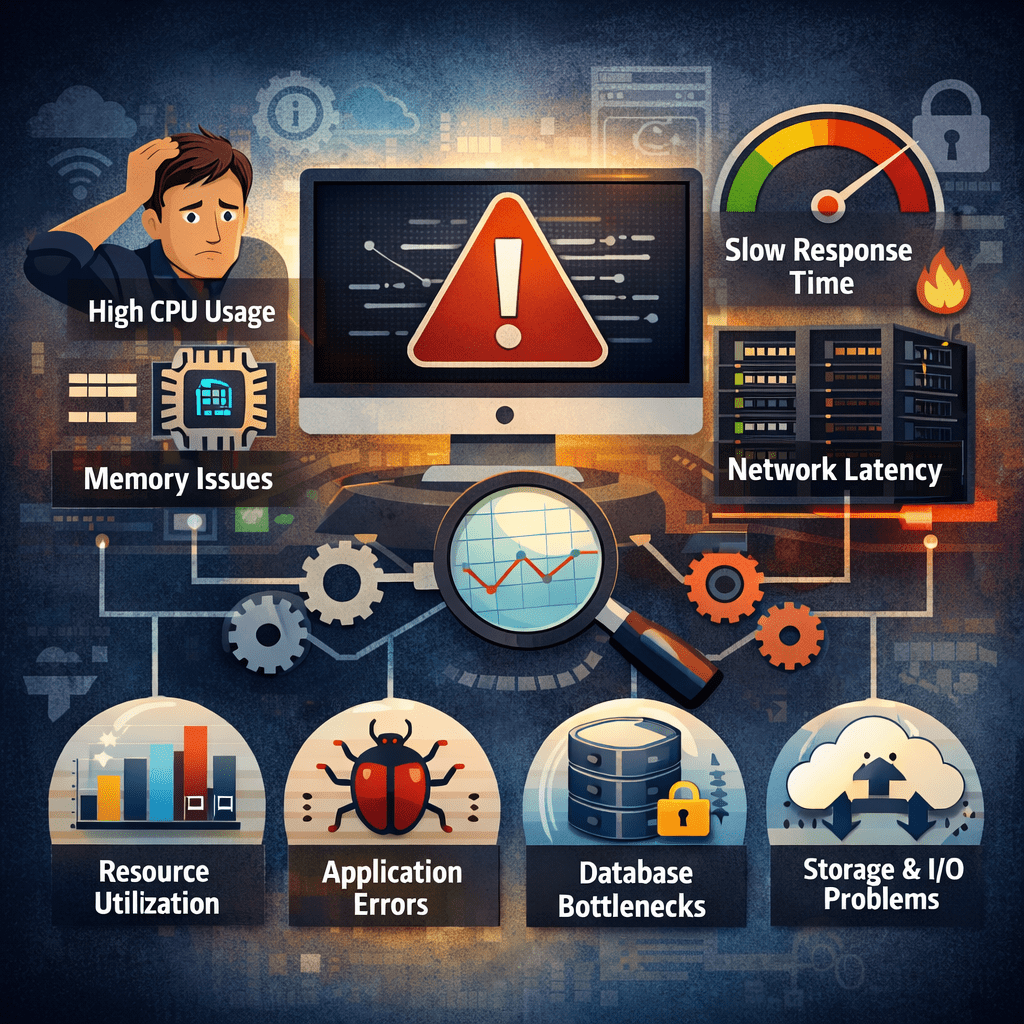
In modern digital environments, system performance directly impacts productivity, user satisfaction, and operational efficiency. When applications slow down, transactions fail, or services become unresponsive, the underlying issue is often a performance bottleneck. Understanding performance bottleneck causes is essential for IT professionals, system architects, and operations teams responsible for maintaining reliable systems.
This article explores the most common causes of performance bottlenecks and provides a structured, professional approach to troubleshooting and problem solving in enterprise and cloud-based environments.
What Is a Performance Bottleneck?
A performance bottleneck occurs when a specific component within a system limits overall throughput, causing delays or inefficiencies. Even if most system components are functioning optimally, a single constrained resource can degrade the entire system’s performance.
For detailed troubleshooting strategies and common bottleneck causes, see this guide on how to troubleshoot performance bottlenecks.
Bottlenecks may occur at multiple layers:
- Hardware
- Operating system
- Network
- Application
- Database
- Storage
- User interface
Identifying the exact location of a bottleneck is the first and most critical step in resolving performance issues.
CPU Constraints and Processing Limitations
One of the most common performance bottleneck causes is limited CPU capacity. When processors are consistently operating near maximum utilization, systems become unable to handle additional workload.
Typical Causes:
- High concurrency
- Inefficient algorithms
- Poor application design
- Excessive background processes
- Inadequate virtualization resources
Symptoms:
- Slow application response
- Delayed processing
- High load averages
- Increased request queue lengths
Troubleshooting Approach:
Monitor CPU usage over time using performance tools. Identify processes consuming disproportionate resources and analyze whether they can be optimized, parallelized, or offloaded.
Resolution strategies include:
- Code optimization
- Load balancing
- Horizontal scaling
- Resource allocation tuning
- Reducing unnecessary services
Memory Saturation and Resource Exhaustion
Memory constraints are another major cause of performance degradation. When systems run out of available memory, they begin swapping to disk, significantly reducing performance.
Typical Causes:
- Memory leaks
- Excessive caching
- Improper garbage collection
- Overloaded applications
- Insufficient RAM provisioning
Symptoms:
- System freezing
- Frequent crashes
- High swap usage
- Slow context switching
Troubleshooting Approach:
Analyze memory consumption patterns using monitoring tools. Identify applications with abnormal growth trends and inspect memory allocation behavior.
Key solutions include:
- Fixing memory leaks
- Adjusting heap sizes
- Increasing physical memory
- Optimizing caching strategies
Memory-related bottlenecks often appear gradually and worsen over time if not addressed.
Disk I/O and Storage Bottlenecks
Storage systems frequently become hidden bottlenecks, especially in data-intensive environments.
Typical Causes:
- Slow mechanical drives
- Excessive read/write operations
- Poor indexing
- Fragmentation
- Insufficient storage throughput
Symptoms:
- Delayed file access
- Slow database queries
- Backup failures
- Application timeouts
Troubleshooting Approach:
Monitor disk queue lengths, latency, and IOPS. Identify workloads that generate heavy disk activity and evaluate whether storage performance matches system demand.
Solutions include:
- Migrating to SSD or NVMe storage
- Improving indexing strategies
- Implementing data archiving
- Separating workloads across disks
- Using distributed storage systems
Storage bottlenecks often manifest as application issues but originate at the infrastructure layer.
Network Latency and Bandwidth Limitations
Network constraints are a leading cause of performance issues in distributed and cloud environments.
Typical Causes:
- Limited bandwidth
- High latency
- Packet loss
- DNS delays
- Misconfigured firewalls
Symptoms:
- Slow data transfers
- Intermittent service availability
- Timeouts
- VPN instability
Troubleshooting Approach:
Measure network latency, jitter, and throughput using diagnostic tools. Compare internal and external traffic patterns to locate congestion points.
Effective resolutions include:
- Upgrading network capacity
- Optimizing routing paths
- Implementing content delivery networks
- Adjusting quality of service policies
- Eliminating unnecessary network hops
Network bottlenecks often affect multiple systems simultaneously, making them highly disruptive.
Database Query Inefficiencies
Databases are frequent performance bottleneck sources, particularly in transaction-heavy systems.
Typical Causes:
- Poorly written queries
- Missing indexes
- Lock contention
- High concurrency
- Excessive joins
Symptoms:
- Slow page loads
- Delayed reports
- Deadlocks
- Connection pool exhaustion
Troubleshooting Approach:
Analyze query execution plans and identify expensive operations. Monitor database wait events and locking behavior.
Resolution strategies include:
- Query optimization
- Index creation
- Partitioning large tables
- Caching frequently accessed data
- Scaling read replicas
Database bottlenecks are often the result of application design decisions and require collaboration between developers and administrators.
Application Architecture Limitations
Design flaws in application architecture can create systemic performance bottlenecks.
Typical Causes:
- Monolithic design
- Tight coupling
- Synchronous dependencies
- Blocking operations
- Inefficient APIs
Symptoms:
- System-wide slowdowns
- Failure under peak loads
- Cascading failures
- Limited scalability
Troubleshooting Approach:
Map application workflows and identify critical execution paths. Evaluate whether components can operate independently or asynchronously.
Solutions include:
- Microservices architecture
- Asynchronous processing
- Caching layers
- Message queues
- Service decoupling
Architectural bottlenecks require long-term planning but offer the greatest performance improvements when resolved.
Software Configuration and Environment Issues
Incorrect system configurations frequently introduce artificial bottlenecks.
Typical Causes:
- Default settings
- Inadequate resource limits
- Misconfigured load balancers
- Inefficient caching policies
- Unpatched software
Symptoms:
- Inconsistent performance
- Unexpected failures
- Underutilized resources
- Bottlenecks under moderate load
Troubleshooting Approach:
Review configuration files and compare settings against best practices. Validate whether system limits align with actual usage patterns.
Resolution strategies include:
- Tuning resource thresholds
- Updating software versions
- Adjusting timeout values
- Enabling compression and caching
Configuration-related bottlenecks are among the easiest to fix but often overlooked.
Human Factors and Operational Bottlenecks
Not all performance issues are technical. Human workflows and operational processes also contribute to bottlenecks.
Typical Causes:
- Manual approvals
- Poor communication
- Inadequate documentation
- Delayed maintenance
- Insufficient training
Symptoms:
- Slow incident resolution
- Repeated system failures
- Inefficient change management
- Knowledge silos
Troubleshooting Approach:
Analyze operational workflows and identify decision points that introduce delays. Assess whether automation or process redesign is feasible.
Solutions include:
- Automating routine tasks
- Standardizing procedures
- Improving documentation
- Enhancing monitoring and alerting
Operational bottlenecks often persist even when systems are technically optimized.
A Structured Framework for Bottleneck Troubleshooting
Effective troubleshooting follows a disciplined methodology.
Step 1: Define the Problem
Establish performance baselines and identify deviations.
Step 2: Isolate the Constraint
Determine which component limits throughput.
Step 3: Collect Evidence
Use logs, metrics, and traces to support analysis.
Step 4: Test Hypotheses
Apply controlled changes and observe impact.
Step 5: Implement Solutions
Deploy fixes with minimal disruption.
Step 6: Monitor and Validate
Ensure long-term stability and performance improvement.
This systematic approach prevents guesswork and ensures sustainable results.
Preventing Performance Bottlenecks
Prevention is more cost-effective than continuous remediation.
Best practices include:
- Continuous performance monitoring
- Capacity planning
- Load testing
- Proactive scaling
- Regular system audits
- Architecture reviews
Organizations that integrate performance management into system design experience fewer disruptions and higher service reliability.
Conclusion
Performance bottleneck causes are diverse and often interconnected, spanning hardware, software, network, and human factors. Without a structured troubleshooting approach, organizations risk treating symptoms instead of root causes.
By understanding where bottlenecks originate and applying systematic problem-solving techniques, IT professionals can restore system performance, improve user experience, and build resilient, scalable infrastructures. In high-performance environments, troubleshooting is not a reactive task—it is a core operational discipline.