


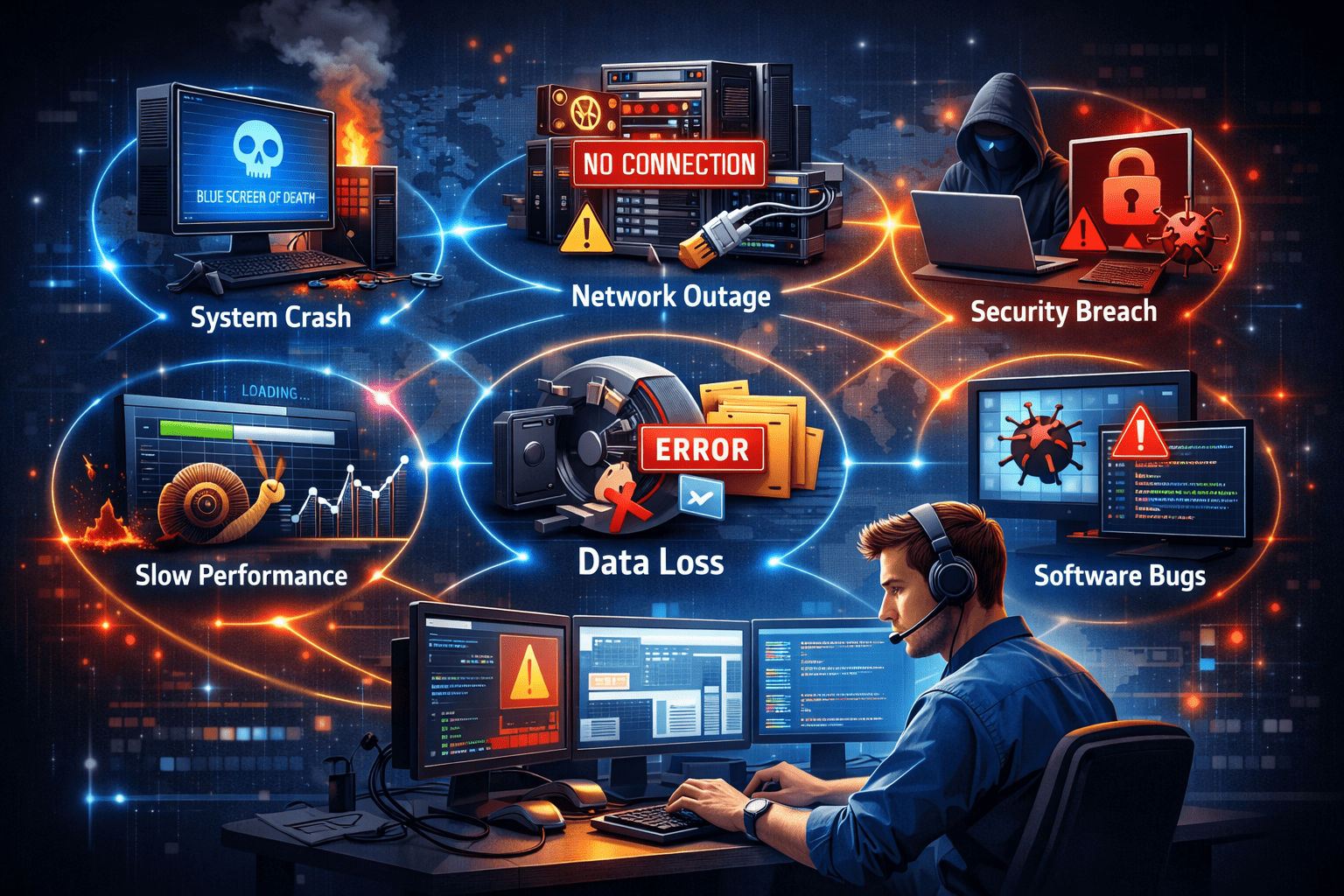
Common system issues affect modern organizations that rely heavily on complex digital systems to support daily operations, communication, and decision-making. From enterprise software platforms and network infrastructure to cloud services and internal tools, system reliability is critical to productivity and business continuity. However, even the most well-designed systems experience failures, performance degradation, and unexpected behavior.
Understanding common system issues and applying structured troubleshooting techniques is essential for IT professionals, system administrators, and business leaders alike. This guide provides a practical, expert-level overview of the most frequent system problems and how to diagnose and resolve them effectively.
Understanding System Issues in a Business Context
Many of these challenges align with industry-wide trends, as highlighted in this external resource on common IT system issues and solutions.
System issues refer to any malfunction, degradation, or failure that disrupts normal operations of hardware, software, networks, or integrated platforms. These issues may be caused by technical defects, configuration errors, human mistakes, or environmental factors.
Common system issues typically fall into the following categories:
- Performance problems
- Connectivity and network failures
- Software errors and crashes
- Security vulnerabilities
- Data integrity issues
- Hardware malfunctions
- User access and permission errors
While some issues are minor inconveniences, others can cause significant downtime, financial losses, and reputational damage if not addressed promptly.
Performance Issues and System Slowdowns
One of the most frequent system complaints is poor performance. Slow response times, application lag, and system freezing often indicate underlying resource constraints or inefficiencies.
Typical Causes:
- Insufficient CPU, memory, or storage
- High system load from concurrent users
- Poorly optimized applications
- Background processes consuming resources
- Disk fragmentation or I/O bottlenecks
- Outdated software versions
Troubleshooting Approach:
Start by monitoring system metrics such as CPU usage, RAM utilization, disk activity, and network throughput. Performance monitoring tools and logs can reveal resource saturation patterns.
Key steps include:
- Identifying resource-heavy processes
- Optimizing application configurations
- Scaling infrastructure where necessary
- Applying updates and patches
- Archiving or cleaning unnecessary data
Performance issues are often gradual and should be addressed proactively before they escalate into system failures.
Network and Connectivity Problems
Connectivity problems can halt business operations entirely, especially in cloud-based and distributed environments.
Common Symptoms:
- Users unable to access systems
- Intermittent network drops
- Slow data transfers
- VPN failures
- Inaccessible cloud services
Typical Causes:
- DNS misconfiguration
- Firewall or security rule conflicts
- Faulty routers or switches
- Bandwidth congestion
- ISP outages
- Incorrect IP addressing
Troubleshooting Approach:
Begin by isolating whether the issue is internal or external. Check physical connections, network devices, and service provider status. Use diagnostic tools such as ping, traceroute, and network analyzers.
Effective steps include:
- Restarting network components
- Verifying firewall and routing rules
- Testing DNS resolution
- Reviewing recent configuration changes
- Ensuring redundancy for critical links
Network issues often cascade across systems, so rapid identification is critical.
Software Errors and Application Failures
Software issues range from minor bugs to complete system crashes. These errors can affect productivity and compromise data integrity.
Common Symptoms:
- Application crashes or freezes
- Error messages during execution
- Failed updates or installations
- Incompatibility between systems
Typical Causes:
- Programming defects
- Corrupted files
- Version conflicts
- Insufficient permissions
- Dependency failures
- Memory leaks
Troubleshooting Approach:
Review application logs and error reports. Reproduce the problem if possible, and isolate whether the issue is user-specific or system-wide.
Resolution steps often include:
- Reinstalling or repairing software
- Applying patches or hotfixes
- Rolling back recent updates
- Checking compatibility requirements
- Clearing caches and temporary files
Well-documented software issues should be escalated to vendors or development teams when internal resolution is not possible.
Security Issues and Unauthorized Access
Security-related system issues are among the most critical, as they pose direct risks to data and compliance.
Common Symptoms:
- Unauthorized logins
- Suspicious network traffic
- Malware infections
- Account lockouts
- Data breaches
Typical Causes:
- Weak passwords
- Phishing attacks
- Outdated security patches
- Misconfigured access controls
- Insider threats
Troubleshooting Approach:
Security incidents require immediate response and investigation. Analyze access logs, audit trails, and security alerts.
Key actions include:
- Isolating affected systems
- Resetting credentials
- Applying security updates
- Scanning for malware
- Reviewing user permissions
Preventive measures such as multi-factor authentication, regular audits, and user training are essential to minimize recurring security problems.
Data Integrity and Corruption Issues
Data is one of the most valuable assets of any organization. System issues affecting data integrity can have long-term consequences.
Common Symptoms:
- Missing or corrupted records
- Inconsistent reports
- Failed database queries
- Backup restoration failures
Typical Causes:
- Hardware failures
- Improper shutdowns
- Software bugs
- Concurrent write conflicts
- Human error
Troubleshooting Approach:
Verify data consistency using integrity checks, transaction logs, and backups. Identify the source of corruption and assess its impact.
Resolution steps include:
- Restoring from verified backups
- Rebuilding indexes
- Running database repair tools
- Implementing stricter validation rules
Regular backup testing and access control are crucial for protecting against data loss.
Hardware Failures and Physical System Issues
Although many systems are now virtualized or cloud-based, hardware failures remain a significant risk.
Common Symptoms:
- System not powering on
- Overheating
- Unusual noises
- Disk failures
- Peripheral malfunctions
Typical Causes:
- Aging components
- Power surges
- Inadequate cooling
- Physical damage
- Manufacturing defects
Troubleshooting Approach:
Inspect hardware indicators, BIOS logs, and diagnostic tools. Replace faulty components and ensure environmental conditions are within acceptable limits.
Preventive strategies include:
- Routine maintenance
- Redundant hardware setups
- Environmental monitoring
- Uninterruptible power supplies
Hardware failures often result in cascading system issues, making redundancy and monitoring essential.
User Access and Permission Problems
User access issues are common in enterprise environments and often stem from misconfigured identity systems.
Common Symptoms:
- Users unable to log in
- Permission denied errors
- Inconsistent access rights
- Account lockouts
Typical Causes:
- Incorrect role assignments
- Directory synchronization errors
- Expired credentials
- Policy conflicts
Troubleshooting Approach:
Review identity management systems such as Active Directory, IAM platforms, or SSO providers.
Resolution steps include:
- Verifying user roles
- Resetting credentials
- Syncing directories
- Auditing access policies
Clear documentation of roles and permissions reduces recurring access-related issues.
A Structured Troubleshooting Framework
Effective problem solving requires more than technical knowledge. A structured approach ensures consistent and efficient resolution.
1. Define the Problem
Gather accurate information about symptoms, scope, and impact.
2. Isolate the Cause
Determine whether the issue is hardware, software, network, or human-related.
3. Analyze Evidence
Review logs, metrics, error codes, and user reports.
4. Apply a Solution
Implement the most likely fix in a controlled manner.
5. Validate Results
Confirm that the issue is resolved without introducing new problems.
6. Document and Prevent
Record the incident and update procedures to prevent recurrence.
This framework aligns with ITIL and DevOps best practices used in professional IT environments.
Preventing Common System Issues
While troubleshooting is essential, prevention delivers far greater value.
Key preventive strategies include:
- Regular system updates and patching
- Automated monitoring and alerts
- Routine backups and recovery testing
- Capacity planning and performance optimization
- Security audits and training
- Change management controls
Organizations that invest in proactive system management experience fewer disruptions, lower support costs, and improved user satisfaction.
Conclusion
Common system issues are inevitable in modern digital environments, but they do not have to become business crises. By understanding typical problem categories—performance, network, software, security, data, hardware, and access—professionals can diagnose issues faster and implement reliable solutions.
A structured troubleshooting approach, combined with preventive practices, transforms problem solving from a reactive task into a strategic capability. In high-performing organizations, troubleshooting is not just about fixing failures—it is about building resilient, scalable, and trustworthy systems.