


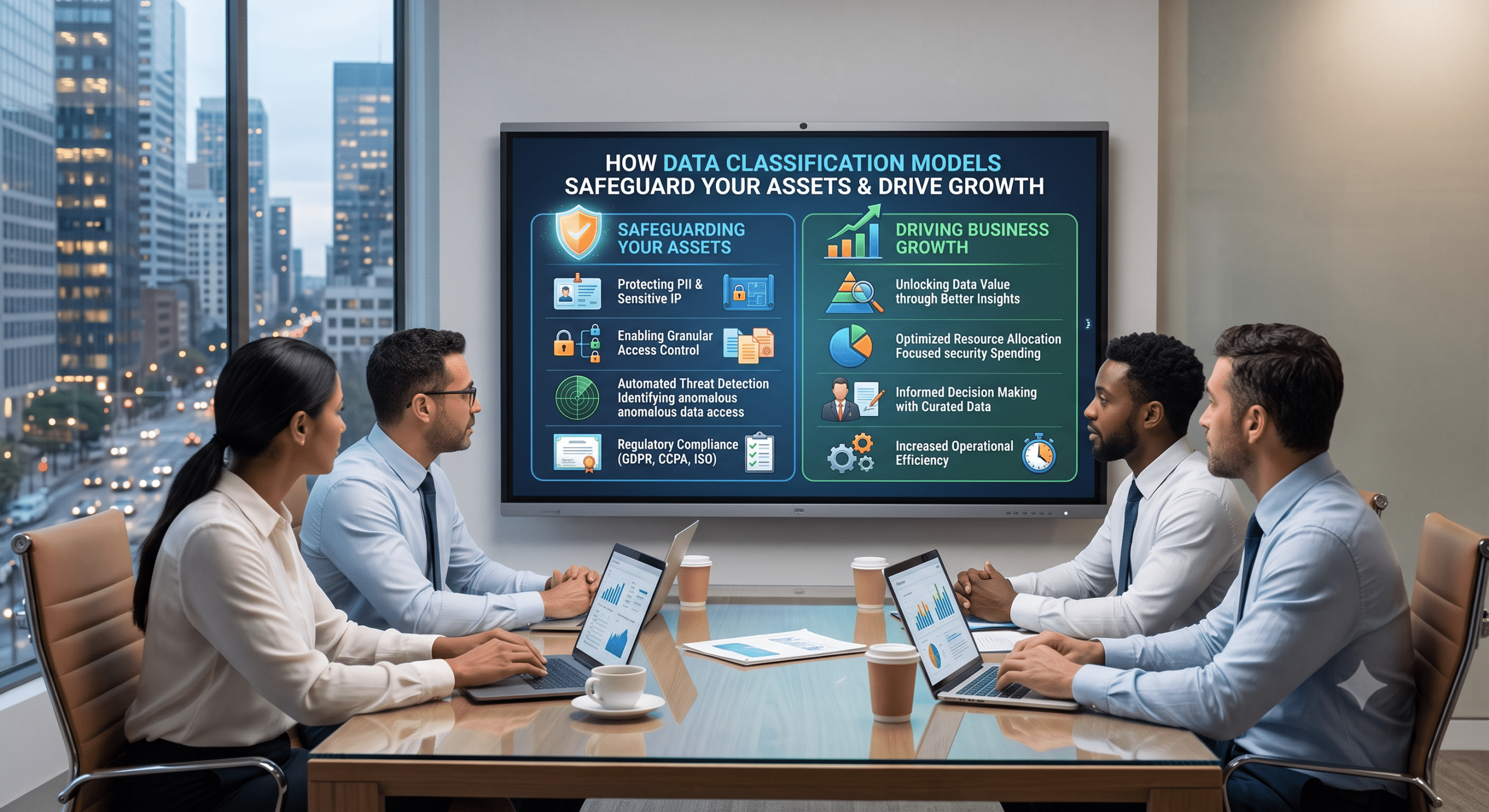
Understanding how data classification models fit into your broader data fundamentals is, without a doubt, the single most important step you can take to keep your business secure and organized. Indeed, if you have ever walked into a chaotic warehouse where boxes are piled to the ceiling without labels, you already know the feeling. You need one specific part, however, finding it feels nearly impossible. Even worse, some of those unlabelled boxes might contain fragile items or hazardous materials; as a result, nobody knows which is which until something breaks.
That chaotic warehouse scenario is exactly what modern enterprise data looks like without clear structure.
As a data management consultant, I see this exact scenario week after week. Companies spend millions collecting every byte of information they can get their hands on—including customer transactions, application logs, internal emails, financial spreadsheets, and telemetry. However, when you ask leadership where their most sensitive information lives or who has access to it, room temperatures drop fast. Consequently, mastering data fundamentals is not just an IT chore or a box to check for an auditor. Instead, it serves as the core operational foundation of any modern business. At the center of that foundation sits one critical tool: data classification models.
In this guide, we are going to break down what data classification models are, why they matter, how the different types function, and how you can build a simple, sustainable strategy that protects your company while empowering your teams.
What Are Data Fundamentals?
Before jumping into classification mechanics, let us first establish what we mean by “data fundamentals.”
In plain terms, data fundamentals are the basic principles, practices, and architectures that dictate how an organization collects, stores, organizes, protects, and uses information throughout its lifecycle. Specifically, when you strip away the flashy tech buzzwords, data management rests on four main pillars:
-
Data Governance: The rules, roles, and responsibilities for managing data assets. In short, it determines who owns what and who can edit what.
-
Data Quality: Ensuring information is accurate, timely, complete, and therefore consistent across systems.
-
Data Architecture & Storage: How data moves through pipelines, where it lives (cloud repositories, databases, file shares), and how it is organized.
-
Data Security & Compliance: Protecting data from unauthorized access, leakage, or loss while following privacy laws like GDPR, CCPA, and HIPAA.
Where do data classification models fit into this framework? Essentially, they act as the connective tissue between security, governance, and architecture. Because classification gives your data immediate context, your security team avoids treating every file like a state secret or, even worse, like public information. As a result, your infrastructure knows how to handle files automatically.
What Is Data Classification?
At its core, data classification is the process of categorizing data based on its type, sensitivity, value, and regulatory impact.
Instead of treating millions of files as identical digital objects, you label them. Once a dataset or file is tagged with a classification label, your security systems, data platforms, and employees instantly know how to handle it.
The Standard 4-Tier Sensitivity Model
While every enterprise can customize its labels, most organizations rely on a standard 4-tier sensitivity framework:
| Classification Tier | Description | Examples | Typical Security Controls |
| Public | Information intended for broad public sharing. Therefore, zero risk exists if leaked. | Blog posts, marketing flyers, public press releases. | Standard data integrity checks; open read access. |
| Internal Only | Operations data intended for employees. Although unlikely to cause severe harm if leaked, it is not meant for outsiders. | Internal intranet notes, org charts, department workflows. | User authentication required; internal network restrictions. |
| Confidential | Sensitive business or personal data. Consequently, exposure causes noticeable financial, legal, or brand damage. | Customer contact lists, internal financial reports, vendor contracts. | Role-based access; encryption at rest and in transit. |
| Restricted / High Sensitivity | Highly sensitive data. Because exposure causes catastrophic harm, severe legal penalties, or regulatory fines apply. | Credit card numbers (PCI), medical records (PHI), trade secrets, passwords. | Strict least-privilege access, end-to-end encryption, multi-factor authentication, audit logging. |
What Are Data Classification Models?
When consultants talk about data classification models, we are talking about the specific mechanisms or approaches used to identify, evaluate, and assign these categories to data.
Obviously, you cannot have thousands of employees manually reviewing billions of database rows every day. Nor can you rely entirely on rigid automated rules that lack business context. Therefore, you need a model—or a combination of models—that matches your company’s scale, tech stack, and risk appetite.
Here are the primary data classification models used in modern organizations:
1. Content-Based Classification Model
The content-based classification model inspects the actual text, numbers, or code inside a file or database field.
-
How it works: The system scans data using regular expressions (Regex), dictionary lookup tables, pattern matching, or checksum algorithms. For example, if it detects a 16-digit string matching a credit card structure or a Social Security Number format, it tags the data as Restricted or Confidential.
-
Pros: Offers high precision for structured, standardized data types like PII (Personally Identifiable Information), PCI, and medical codes.
-
Cons: However, it struggles with unstructured contexts. For instance, a spreadsheet full of generic numbers might be confidential revenue projections, yet a content scanner might miss it because numbers alone do not trigger standard PII regex patterns.
2. Context-Based Classification Model
Instead of reading the actual words inside a file, the context-based classification model looks at the metadata surrounding the file.
-
How it works: It evaluates attributes such as file location, creator department, file extension, application origin, sharing settings, or destination. For example, any file saved in the
Finance/Payroll/2026folder automatically inherits the Confidential tag, regardless of what text is inside. -
Pros: Fast, lightweight, and efficient because it does not require high compute resources to read deep inside massive files.
-
Cons: Nevertheless, it is highly dependent on organizational file hygiene. If an employee moves a confidential file into a general public folder, the context-based scanner might incorrectly lower its security level.
3. User-Based (Manual) Classification Model
The user-based classification model relies directly on human judgment. Thus, the person who creates, edits, or manages the document assigns the classification label.
-
How it works: When an employee saves a Word document or sends an email, a pop-up window asks them to pick a tag (Public, Internal, Confidential, Restricted) before saving.
-
Pros: Humans understand business context much better than simple software scanners. For instance, an engineer knows that a rough architectural sketch contains secret intellectual property, even if it lacks obvious keywords.
-
Cons: However, it creates a heavy reliance on user discipline and training. As a result, employees can get prompt-fatigue, leading to lazy tagging or accidental mislabeling.
4. Role-Based Classification Model
The role-based classification model categorizes data according to the department, function, or job role that owns and interacts with it.
-
How it works: Data generated by or assigned to the Legal, HR, or R&D departments is automatically tagged with elevated sensitivity. Meanwhile, marketing blog drafts default to Public or Internal, whereas HR performance reviews default to Restricted.
-
Pros: Very easy to establish in traditional corporate hierarchies.
-
Cons: On the other hand, it can create silos and cause issues when teams cross-collaborate or share spreadsheets across departments.
5. Hybrid & AI-Driven Classification Models
Modern cloud environments produce too much unstructured data for traditional, single-method models to handle alone. That is why leading enterprise strategies deploy hybrid classification models.
-
How it works: A hybrid model combines pattern matching for predictable data (like credit card numbers), context analysis (file origin), and machine learning/AI models in order to evaluate intent, context, and semantics across documents, PDFs, and message threads.
-
Pros: Delivers scale, speed, and contextual accuracy across complex, multi-cloud platforms.
-
Cons: Naturally, it requires setup investment, tuning to avoid false positives, and ongoing governance.
13 Core Principles for Building a Data Classification Strategy
Over my years advising enterprise clients, I have noticed that companies often fail at data governance because they make things far too complex. They write 80-page policy binders that no one reads, buy expensive software, and then expect magic to happen overnight.
Therefore, to build a data classification model that actually works in the real world, stick to these 13 foundational principles:
-
Inventory Before You Label: You cannot classify what you do not know exists. First, run comprehensive discovery scans across cloud storage, databases, local file shares, and SaaS apps so that you can build an accurate map of your entire data landscape.
-
Keep Your Tiers Simple: Do not create 10 different sensitivity tiers. Instead, stick to 3 or 4 clear tiers (e.g., Public, Internal, Confidential, Restricted). After all, if your employees need a cheat sheet just to pick a label, your taxonomy is broken.
-
Involve Business Leaders, Not Just IT: While IT and Cybersecurity build the pipes, business units own the meaning of the data. Therefore, work directly with Finance, HR, Legal, and Sales leads to define what true “Confidential” data looks like in their departments.
-
Automate Pattern Scanning for Structured Data: Don’t ask humans to manually tag databases containing credit cards, bank details, or Social Security Numbers. Rather, automate content-based classification for predictable data types so protection is immediate.
-
Pair Content with Context: Scanning content alone causes false positives. Consequently, combine content findings with context (who created the file, where it lives, who has permission) to make accurate classification decisions.
-
Establish Clear Data Ownership: Every major dataset needs an assigned Data Owner—namely, a business leader accountable for defining who gets access to that data and how long it should be kept.
-
Enforce Role-Based Access Control (RBAC): Classification labels should directly drive access rules. Thus, if a file gets tagged as Restricted, your identity systems should automatically restrict access to specific authorized user groups.
-
Align Classification Tiers with Compliance Mandates: Ensure your labels map directly to regulatory frameworks like GDPR, HIPAA, PCI-DSS, or CCPA. When auditors ask how you protect PII or healthcare data, you can then demonstrate automated controls tied directly to those labels.
-
Train Your Employees Continuously: Technology can only take you so far. Hence, teach your team why data hygiene matters and make data handling rules part of your standard employee onboarding.
-
Tag Metadata at the Moment of Creation: The earlier you classify data in its life cycle, the easier it is to protect. For this reason, use productivity suite integrations so that files inherit labels as soon as they are saved or uploaded.
-
Address Legacy and Unstructured Data Sprawl: Don’t focus solely on new files. Indeed, legacy file shares and forgotten cloud buckets are where historical breaches breed. Therefore, schedule systematic scans to catalog and clean up old data (identifying Redundant, Obsolete, and Trivial data—ROT).
-
Continuously Monitor and Audit: Classification isn’t a “set it and forget it” project. As a result, you must run periodic reports to detect mislabeled files, unusual data downloads, or permission drift.
-
Treat Data Governance as an Ongoing Practice: Your business changes, new privacy laws are passed, and your tech stack evolves. Because of this, review your classification policy at least once a year to adjust rules, refine models, and update system integrations.
Common Data Classification Pitfalls to Avoid
Even well-meaning companies fall into predictable traps when setting up data classification models. Therefore, keep an eye out for these common mistakes:
                  ┌───────────────────────────────────────────┐
                  │    COMMON DATA CLASSIFICATION TRAPS      │
                  └─────────────────────┬─────────────────────┘
                                        │
         ┌──────────────────────────────┼──────────────────────────────┐
         ▼                              ▼                              ▼
┌─────────────────┐            ┌─────────────────┐            ┌─────────────────┐
│ Over-labeling   │            │ Ignoring        │            │ Treating It As  │
│ Everything      │            │ Unstructured    │            │ a One-Time      │
│ "Confidential"  │            │ Content         │            │ Project         │
└────────┬────────┘            └────────┬────────┘            └────────┬────────┘
         │                              │                              │
         ▼                              ▼                              ▼
 Slows work down;               Leaves 80% of                  Policies rot;
 leads to user                  enterprise data                security drift
 workarounds.                   unprotected.                   accumulates.
-
Over-classifying everything: Labeling every routine document as “Confidential” creates security fatigue. When every document requires five extra clicks to share internally, employees start finding unauthorized workarounds.
-
Ignoring unstructured data: Structured SQL databases are relatively easy to manage; however, the real challenge lives in scattered slide decks, PDFs, spreadsheets, and chat logs. Therefore, ensure your classification models reach these files as well.
-
Relying exclusively on human users: Expecting employees to correctly tag 100% of their output without automated backup safeguards leads to errors. Thus, you should use software scanners to verify human input.
Why Data Classification Models Are Vital for Modern AI
As businesses deploy generative AI and Enterprise LLMs (Large Language Models), data classification has taken on a whole new level of urgency.
For example, if you connect an internal AI assistant or retrieval system (RAG) to your company repository, that AI will index whatever files it has permission to read. Without proper classification models driving block-level or file-level permissions, a junior employee could query an internal AI bot and accidentally pull up confidential salary sheets or executive strategy notes.
Ultimately, accurate classification acts as the primary safety rail for enterprise AI, ensuring models only retrieve and process data the user is explicitly authorized to view.
Summary Checklist for Getting Started
If you are ready to implement or refresh your data classification models, use this quick step-by-step checklist:
-
Define Your Goals: Decide whether your primary driver is regulatory compliance, breach prevention, cloud migration, or AI readiness.
-
Establish 3-4 Simple Categories: Public, Internal, Confidential, Restricted.
-
Select Your Technology Blend: Choose a hybrid mix of automated content scanners, metadata rules, and user-driven tagging tools.
-
Draft the Policy with Stakeholders: Get buy-in from Legal, HR, Finance, and Security before rolling out rules.
-
Start Small: Pick one high-risk department or data domain, test your model, refine the rules, and subsequently scale across the company.
Frequently Asked Questions (FAQ)
What is the main purpose of data classification?
The main purpose of data classification is to organize data by its sensitivity and risk level so that appropriate security controls, access permissions, and retention policies can be applied efficiently. Thus, it ensures sensitive information is protected while low-risk data remains easily accessible.
What are the main types of data classification models?
The primary data classification models include:
-
Content-Based: Scans text and numbers inside files for specific patterns or keywords.
-
Context-Based: Uses metadata such as location, creator, file type, or application origin.
-
User-Based (Manual): Depends on human creators to apply labels manually.
-
Role-Based: Classifies data based on department or business function.
-
Hybrid/AI-Driven: Combines multiple methods by using automated algorithms and contextual machine learning.
How does data classification help with regulatory compliance?
Regulations like GDPR, HIPAA, CCPA, and PCI-DSS mandate strict protection and handling for sensitive personal, medical, or financial information. By using data classification models, you automatically identify and tag this regulated data across your systems. Consequently, you can enforce encryption, restrict access, and produce clear audit logs for compliance officers.
What is the difference between structured and unstructured data classification?
Structured data resides in fixed database schemas (tables, columns, SQL databases) where pattern matching is straightforward. Conversely, unstructured data includes free-form files like Word documents, PDFs, emails, presentations, and images. Therefore, unstructured data requires context-based scanners, machine learning, or manual user tagging because content patterns are much harder to predict.
References & Further Reading
To learn more about implementing data governance and data classification models in enterprise environments, consult these industry resources:
-
Snowflake Data Governance Guide: What Is Data Classification? Types and Best Practices
-
Monte Carlo Data Engineering Blog: What Is Data Classification? A Step-by-Step Guide
-
Varonis Data Security Platform Insights: What is Data Classification? Guidelines and Process
-
SentinelOne Cybersecurity 101: Data Classification Guide: Types, Levels & Best Practices
-
Cyera Security Blog: What are the Four Levels of Data Classification?
References & Further Reading
To learn more about implementing data governance and data classification models in enterprise environments, consult these industry resources:
-
Snowflake Data Governance Guide: What Is Data Classification? Types and Best Practices
-
Monte Carlo Data Engineering Blog: What Is Data Classification? A Step-by-Step Guide
-
Varonis Data Security Platform Insights: What is Data Classification? Guidelines and Process
-
SentinelOne Cybersecurity 101: Data Classification Guide: Types, Levels & Best Practices
-
Cyera Security Blog: What are the Four Levels of Data Classification?